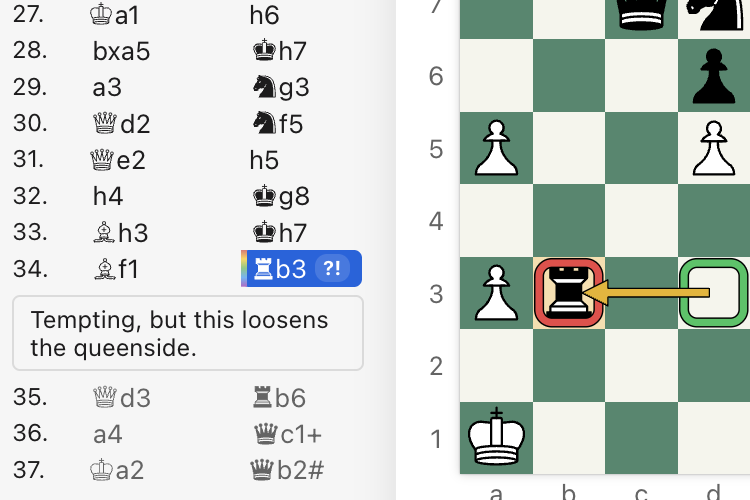
Import PGN, ChessBase, and SCID files.
Keep your existing game collections and annotations, and pick up right where you left off. Export to PGN for use in other tools.
Chess database and analysis app for Mac and Windows
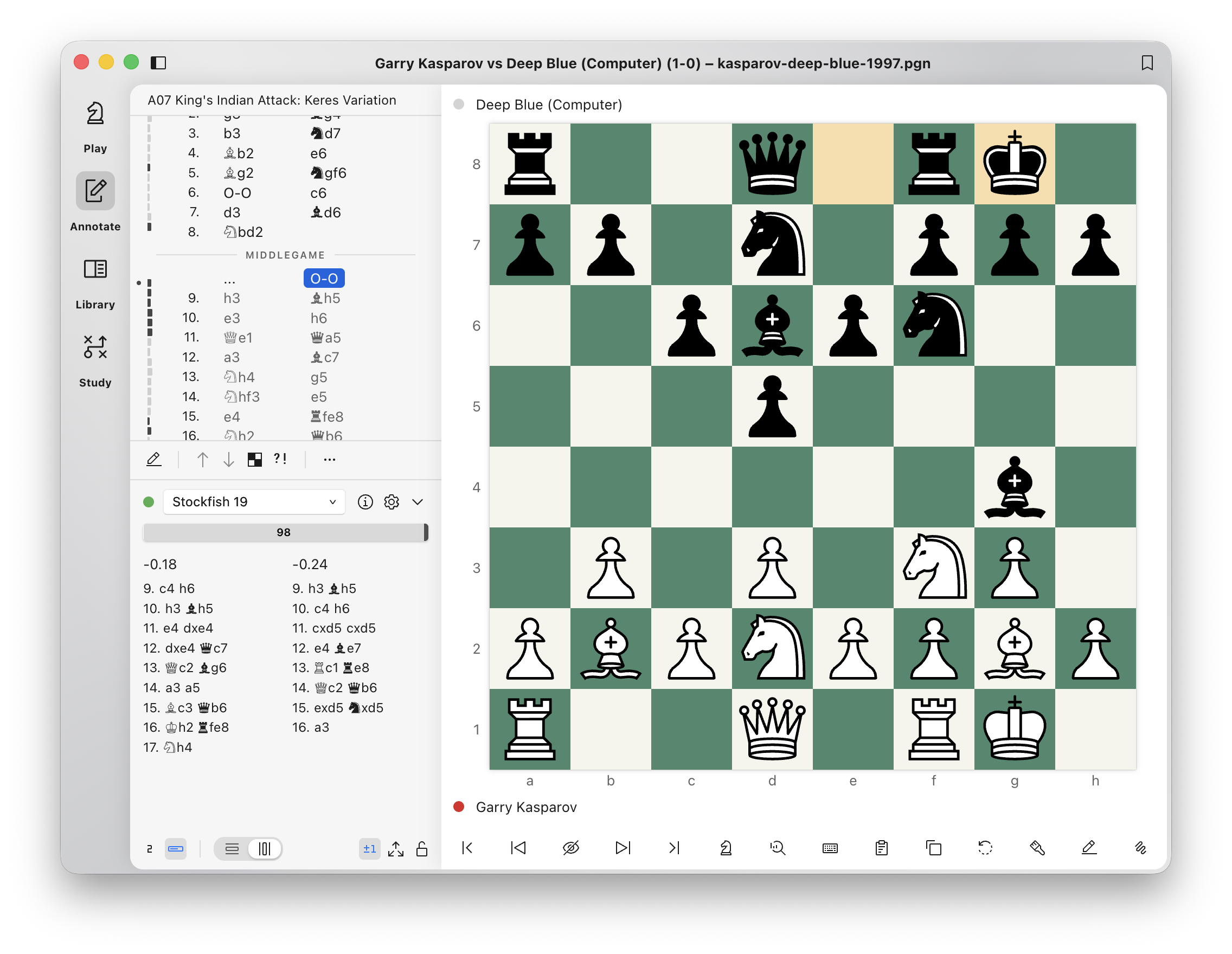
Play a game and save it to your library. Annotate it move by move, study the moments that mattered, and drill what you missed until it sticks.
Keep your existing game collections and annotations, and pick up right where you left off. Export to PGN for use in other tools.
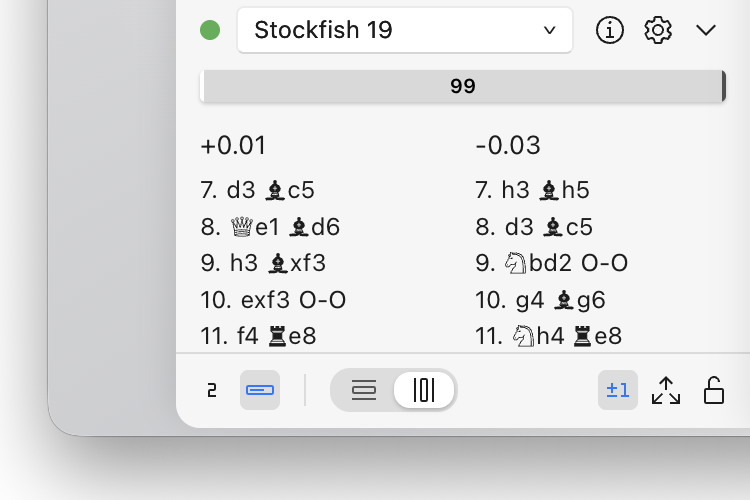
Add and configure your favorite UCI engines for analysis and play. Get a fast overview of a game when you open it, and run batch analysis when you want to go deeper.
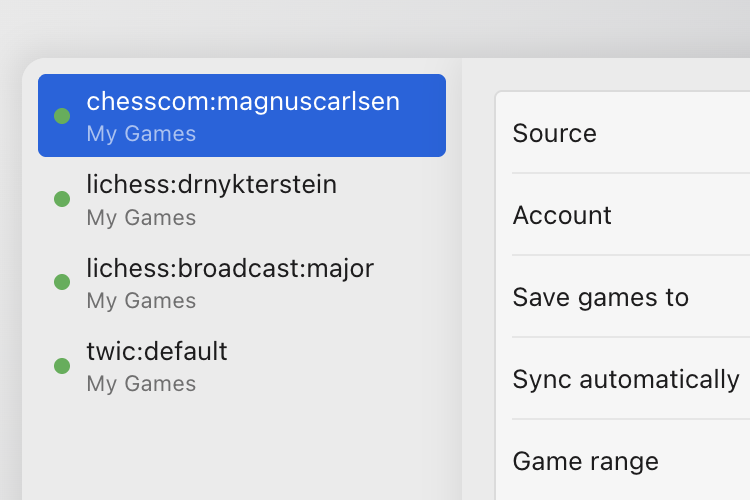
Follow your own accounts on Lichess and Chess.com (or your next opponent's), and keep your database up to date.
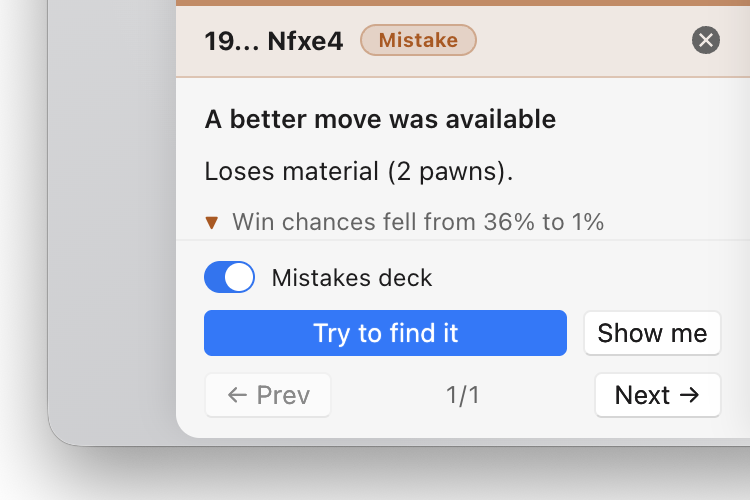
Review a game for mistakes and missed mates, generate an opening repertoire from your games, and drill both with spaced repetition.
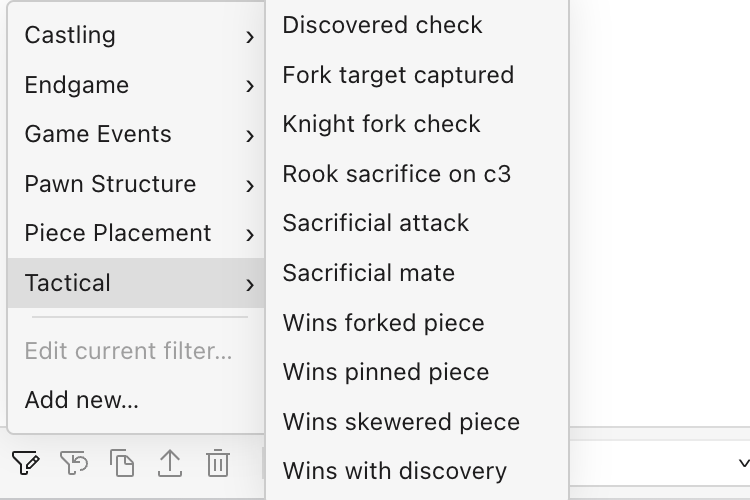
Stack rules for position, material, pawn structure, ordered move sequences, and motifs like pins and skewers. Save the searches you reuse, and get answers quickly without waiting for an index to build.
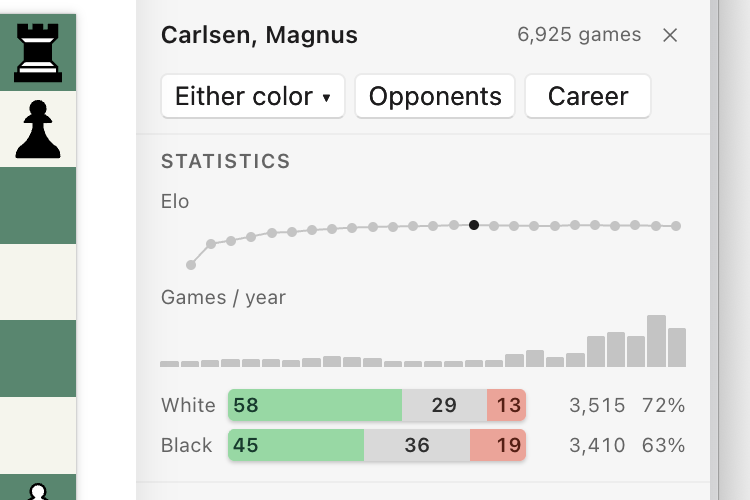
For any player in your database, see which openings they lean on, how they score with white and black, and who they've faced.

Regular price $129
$69 USD
one-time purchase
Save $60 with introductory pricing. Ends Dec 31, 2026.
Not sure yet? Try every feature free for 7 days, no email or key needed.
Buy a licenseSecure checkout & license keys by Polar
Nope! There are no recurring fees or automatic renewals.
Updates and fixes for the version you buy are free. If a major new version ships down the road, upgrading is optional and paid. Your copy keeps working either way.
macOS on an Apple Silicon Mac (M1 and later); Intel Macs aren't supported. On the PC side it's Windows 11, on either x64 or ARM. One license covers both platforms, with two activations, so a desktop and a laptop can share it.
Twelve. The app follows your system language by default, and you can switch at any time: English, Deutsch, Español, Français, Italiano, Nederlands, Polski, Português (Brasil), Русский, Українська, 简体中文, 繁體中文.
Analysis, databases, and training run locally on your own machine. Your license is activated online when you first enter your key and is re-checked from time to time, with a grace period for working offline in between.
Two at a time. A license carries two activations, and neither is tied to a machine forever. Deactivate from within the app and you're free to activate somewhere else.
Yes. Download the app and start a 7-day trial from the license window. Every feature is included, and you don't need an email address or a key. The trial is one per computer for each major version, so reinstalling doesn't start a new one. When it ends, the app waits for a license key and your games and databases stay where they are. And if you buy and change your mind, email hello@chessroller.com within 14 days of purchase for a full refund.